Making customer support effortless & personal
An AI powered support platform for small businesses. A white label support page where an agent trained on the company's own knowledge answers customers and acts on their behalf, and a shared inbox where the team picks up whatever it can't. First designer and product lead, concept to private beta, working with four engineers.
Starting from what small businesses actually need
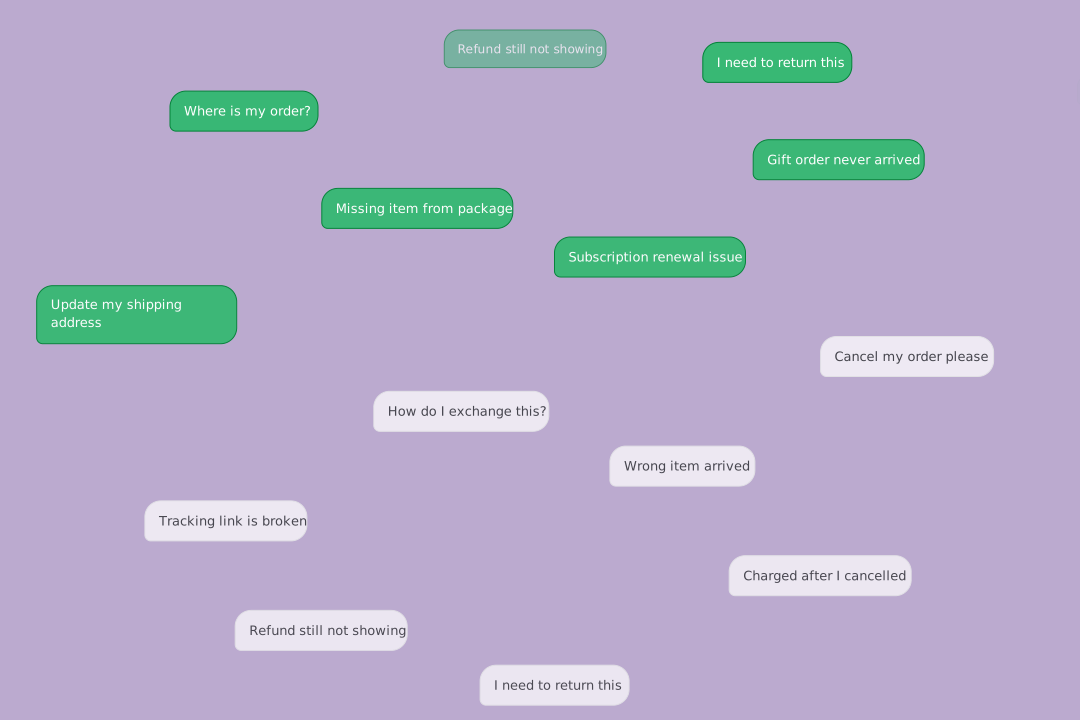
Small business owners run support out of a shared Gmail account and a contact form, neither built for a team on one side or a customer waiting on the other.
We looked to Zendesk for the shape of the product, then spoke to seven businesses around Boise about what they'd actually use. Their needs were narrow: the few things that keep customers happy, not a feature rich platform. Most of what they described was refunds, order status, and quote requests, work that didn't need a person if the software could reach the right systems. That set the scope. The agent had to act, not just answer, and the whole thing had to be built by four engineers.
- Make a shared inbox work for a team
- Replace the contact form with a page that answers and acts
- Remove the setup work before the first ticket
- Build a system four engineers can extend without a designer
- No confirmation that a message was received
- No sense of when, or whether, anyone will reply
- Answers wait until someone is back at a desk
- Every form asks for something different
Removing work at every step
Every surface was designed against one test: does it take work off the owner's plate while keeping their customer's experience personal. Front Desk, the inbox, onboarding, insights, and settings share one system, so the product reads as one thing rather than five.
A support page that looks like the business
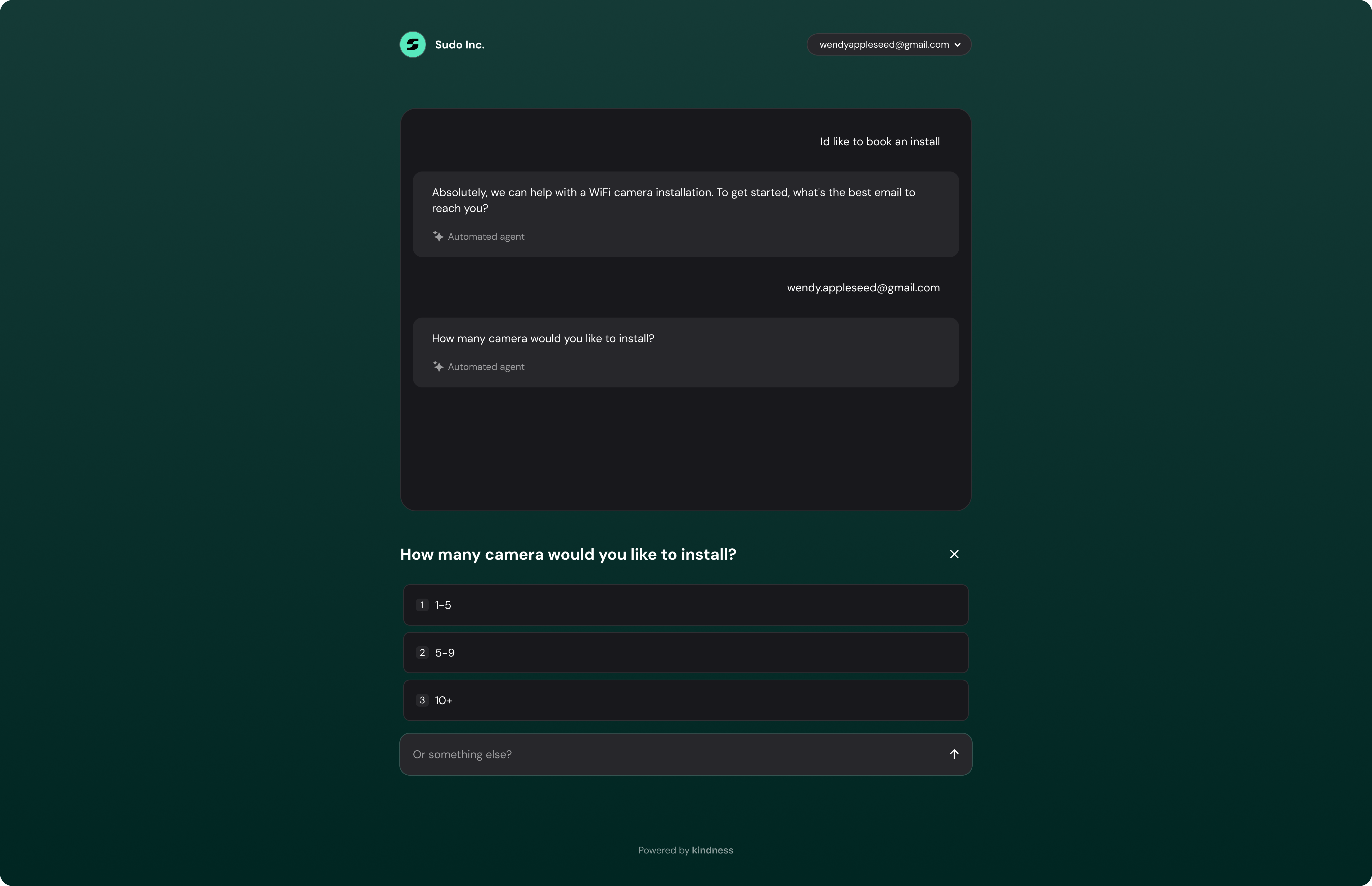
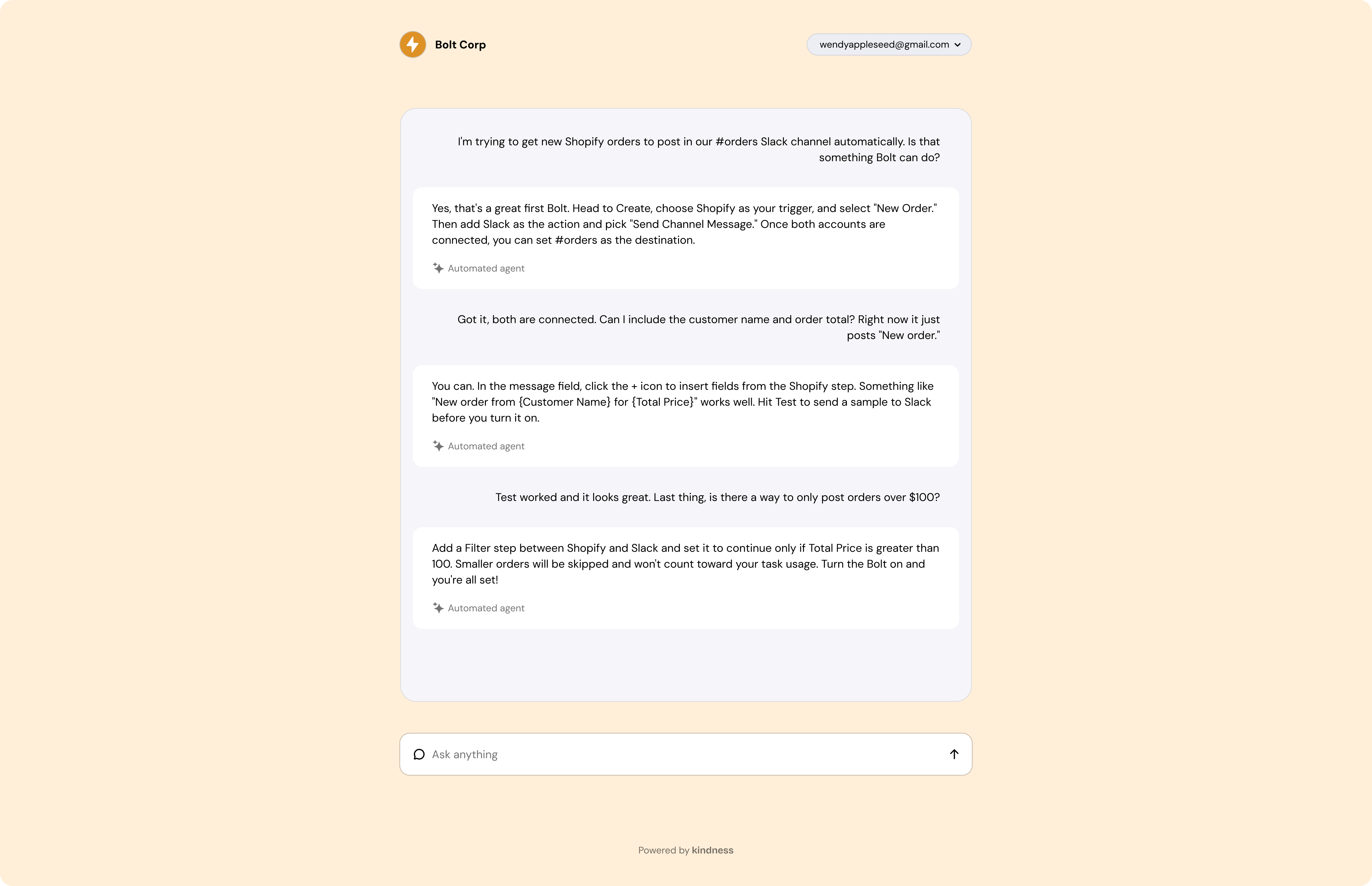
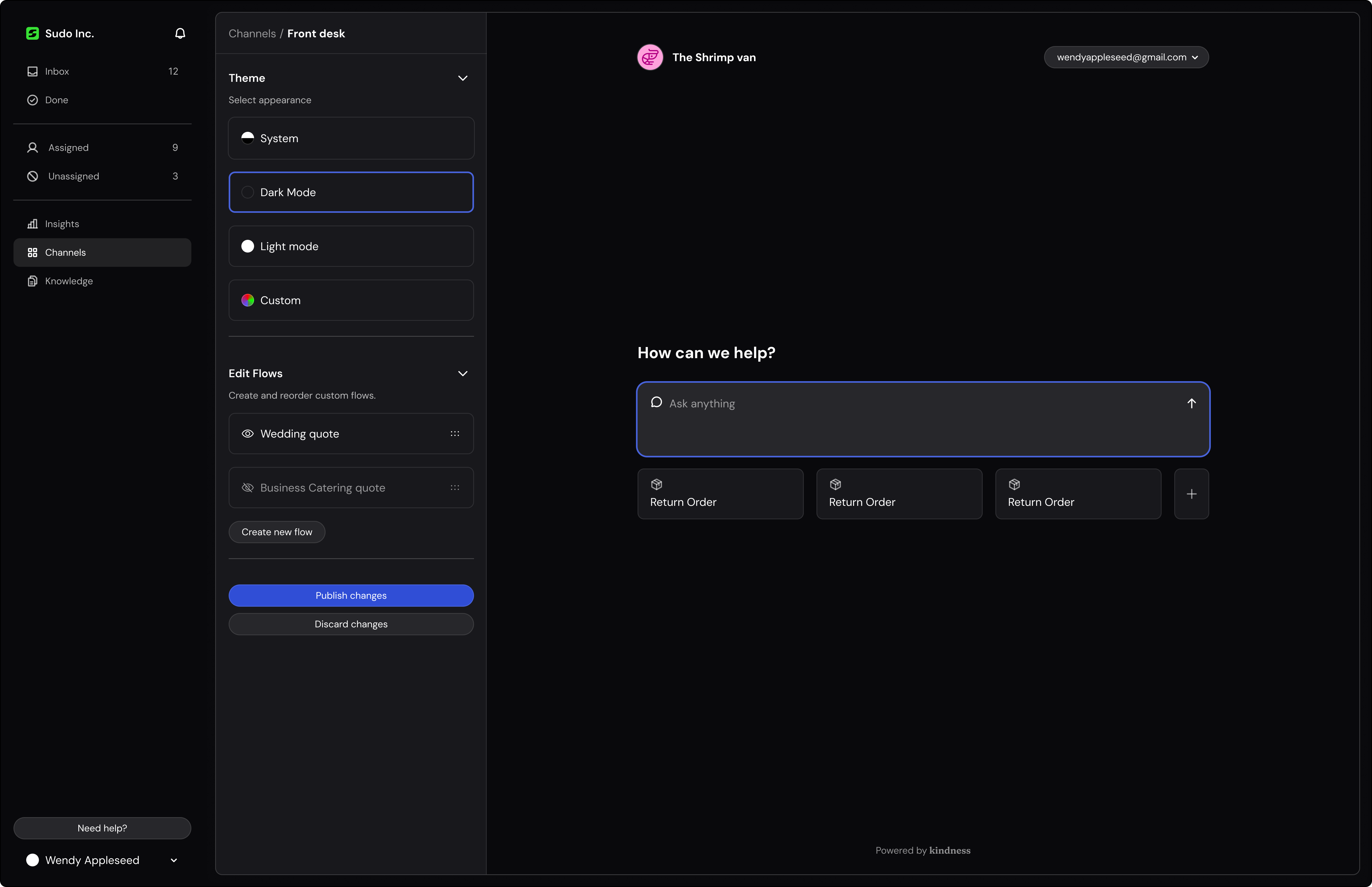
Front Desk replaces the contact form. Like Stripe's hosted checkout, it's one page every business gets, themed with their logo and colours and served from their own domain, so it reads as theirs. Behind it sits an agent trained on the company's own knowledge.
An agent that acts, not just answers
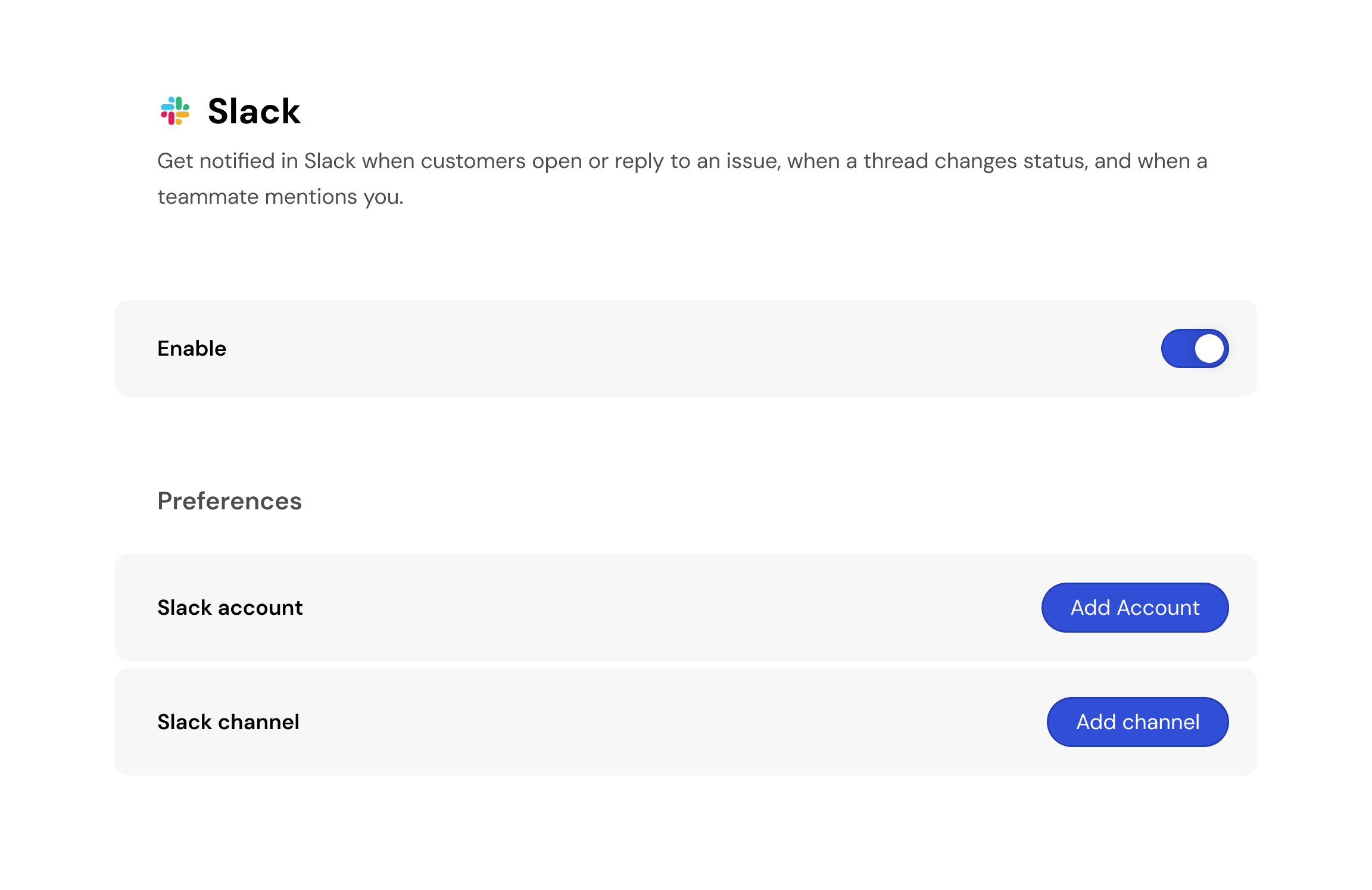
Answering was the floor. The agent connects to the tools a business already runs: it posts to Slack when a person needs to step in, issues refunds through Stripe, and pulls tracking from their shipping software. A customer asking where their order is gets the status, not a promise that someone will look. The team only sees the conversations that needed them.


Earning trust in an AI answer
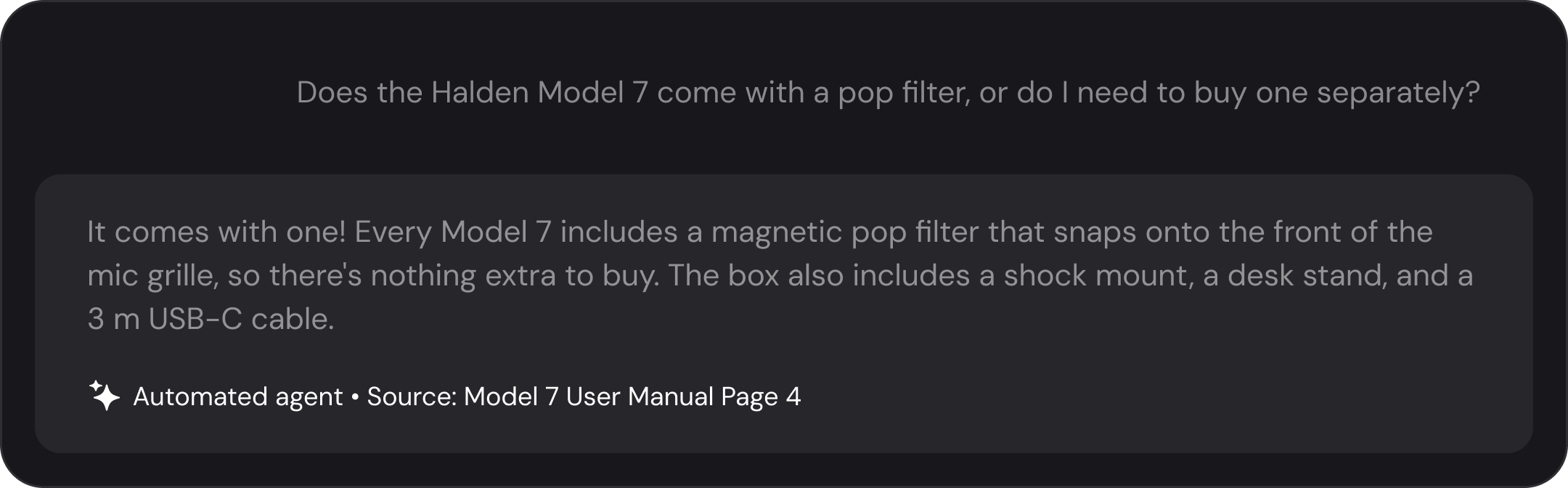
Replies cite their source, so the customer can see where the agent got its information, and sit at the top of the visual hierarchy above the customer's own messages, making the answer the easiest thing on the page to read. Expected response time is shown up front, measured from how the business actually replies.
Custom flows, surfaced as cards
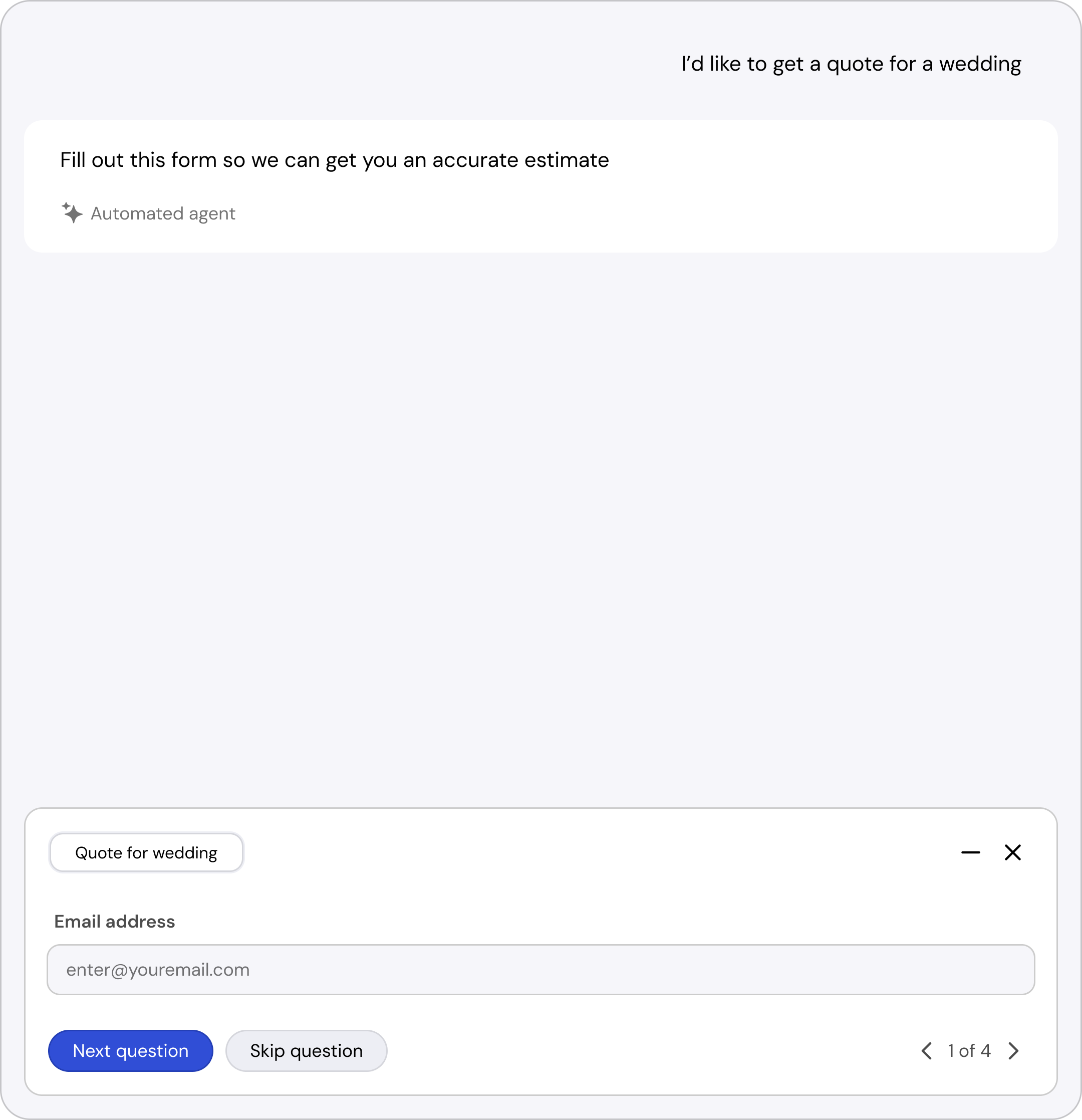
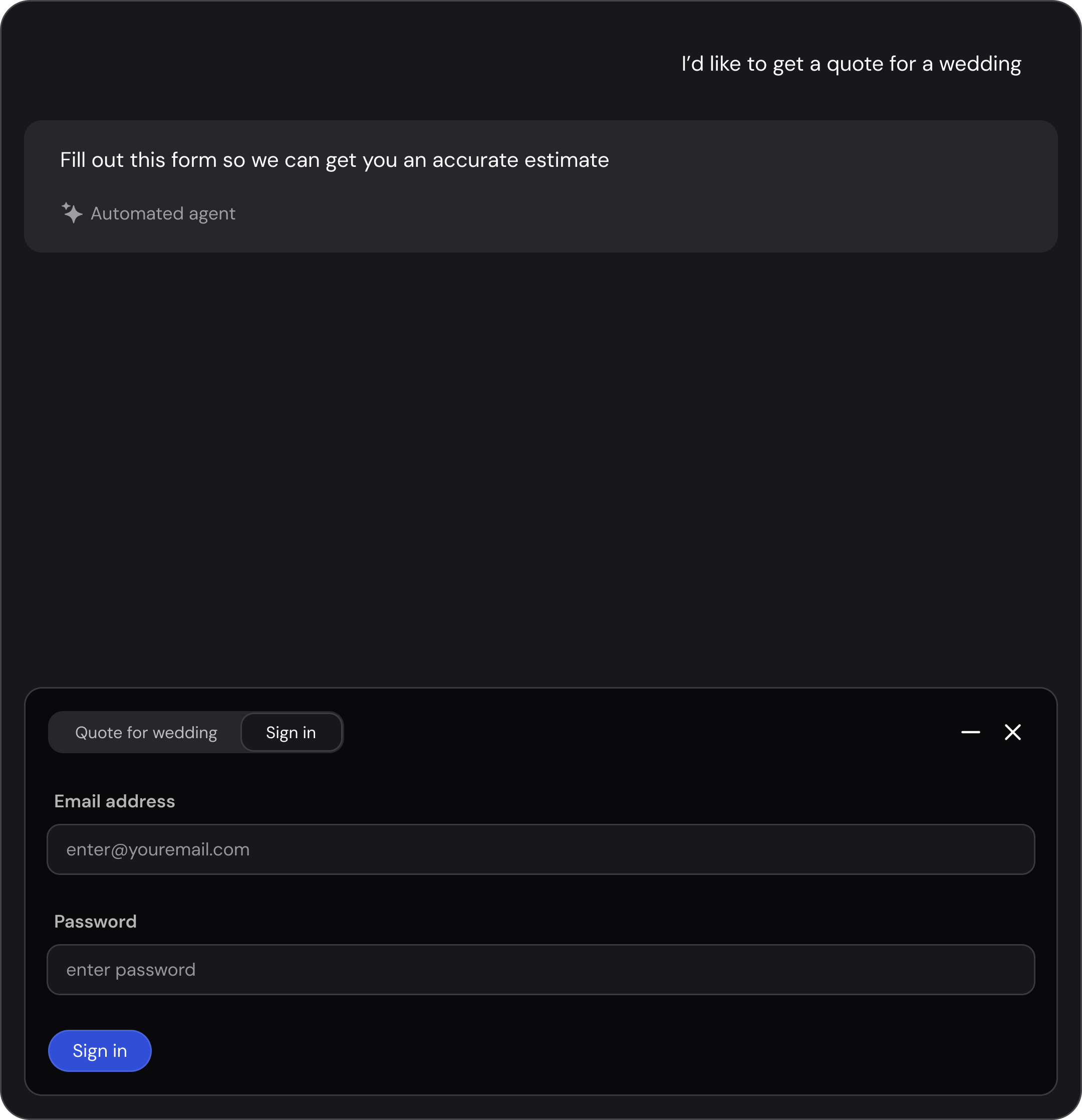
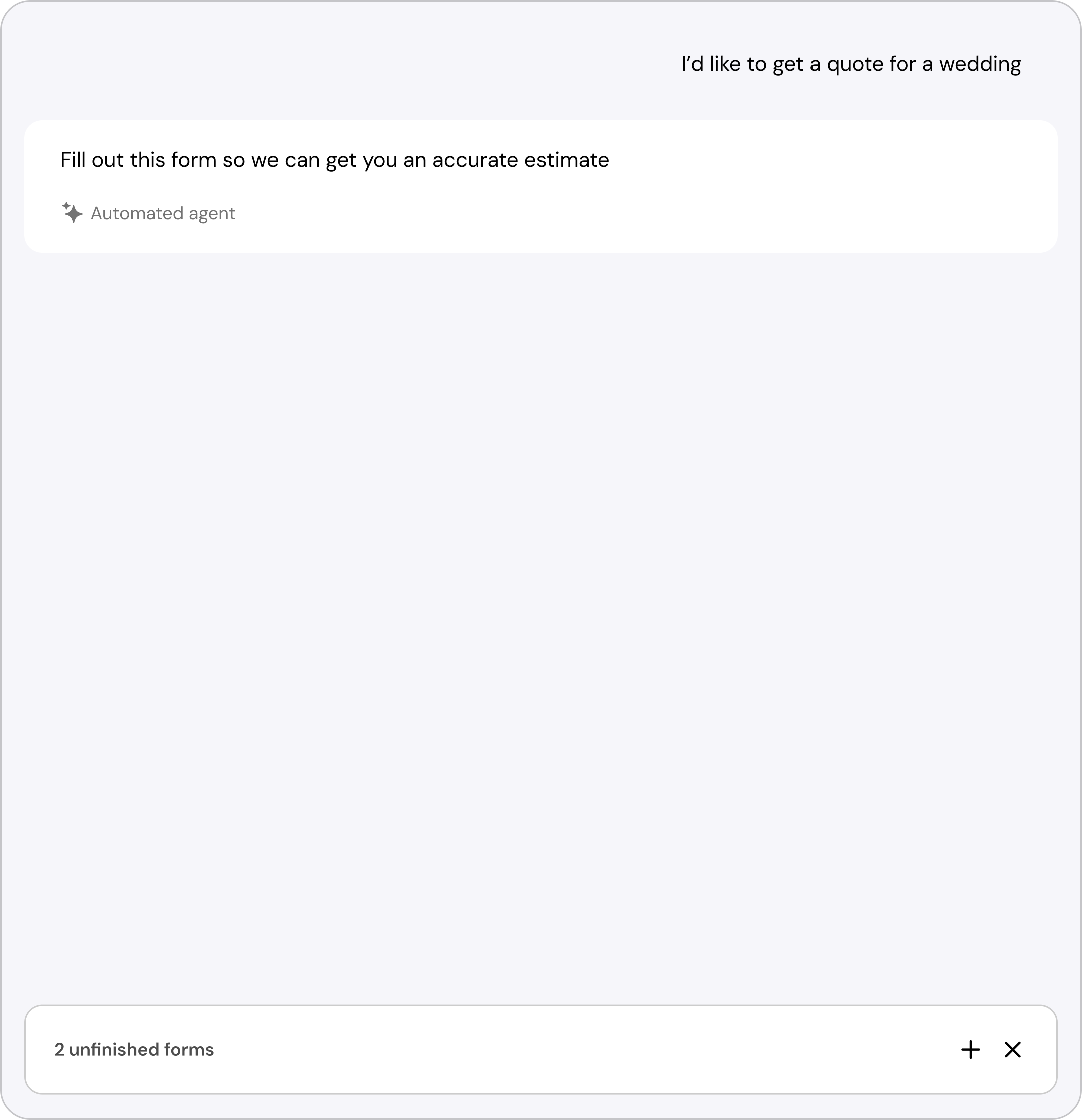
The home page pairs a single input with cards for each flow a business has built. Flows ask for exactly what's needed, a wedding quote collects headcount and menu up front, and a second question opens in its own tab so nothing filled in is lost.
One inbox for every request, built for handoff
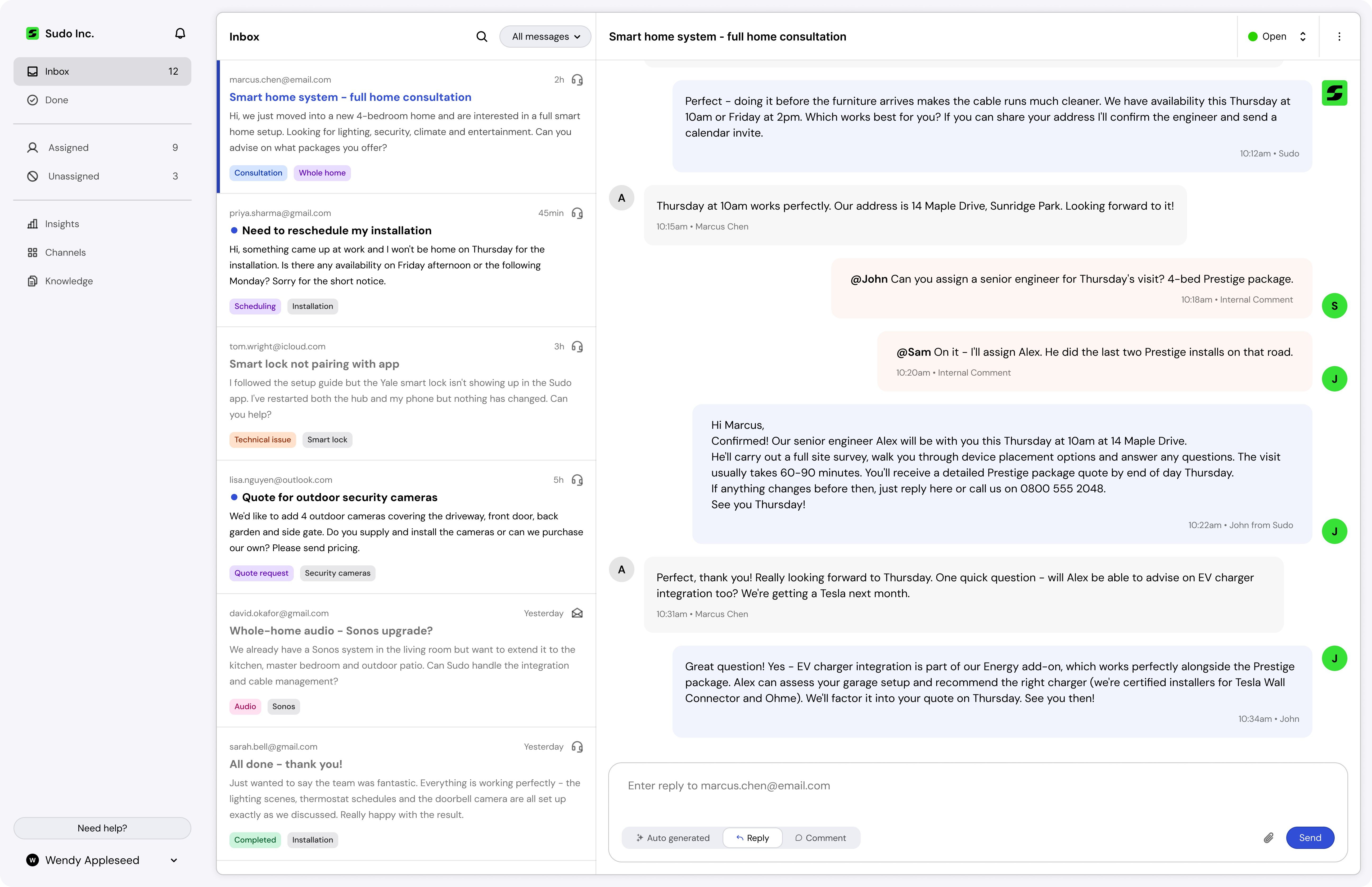
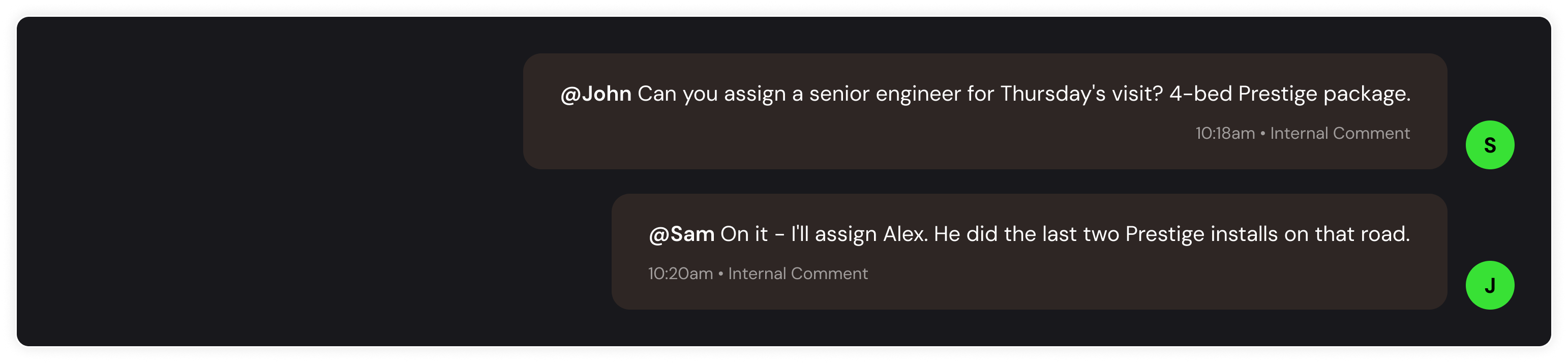
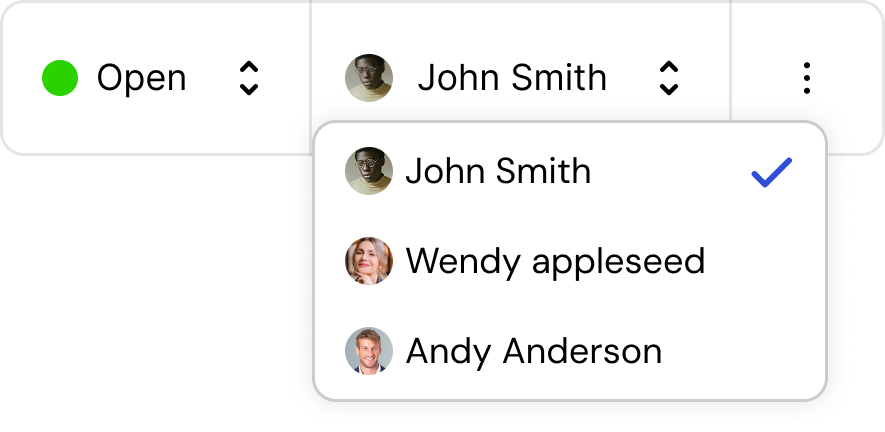
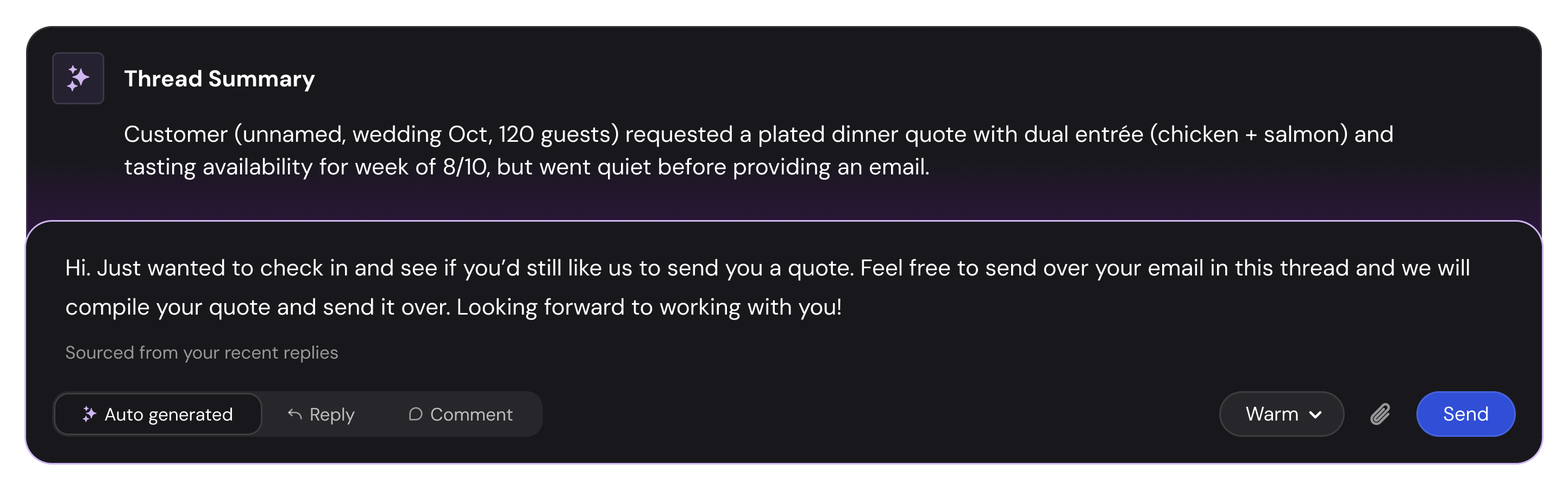
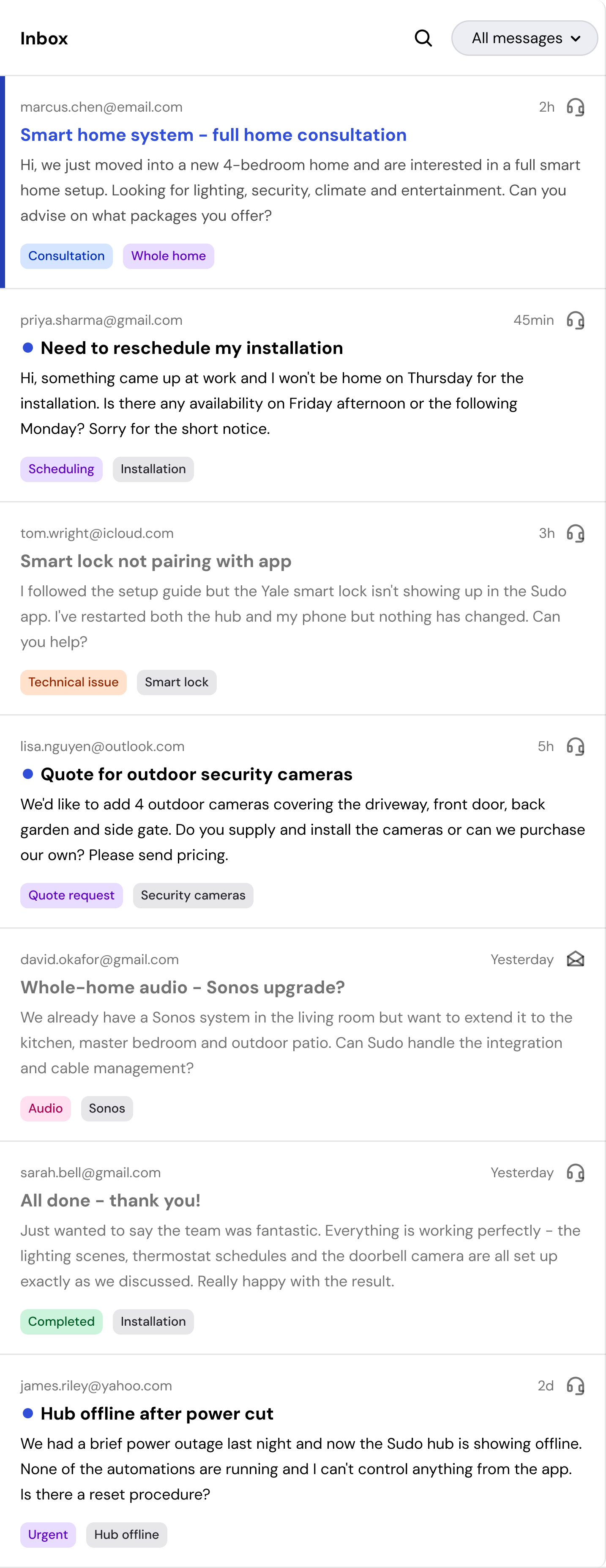
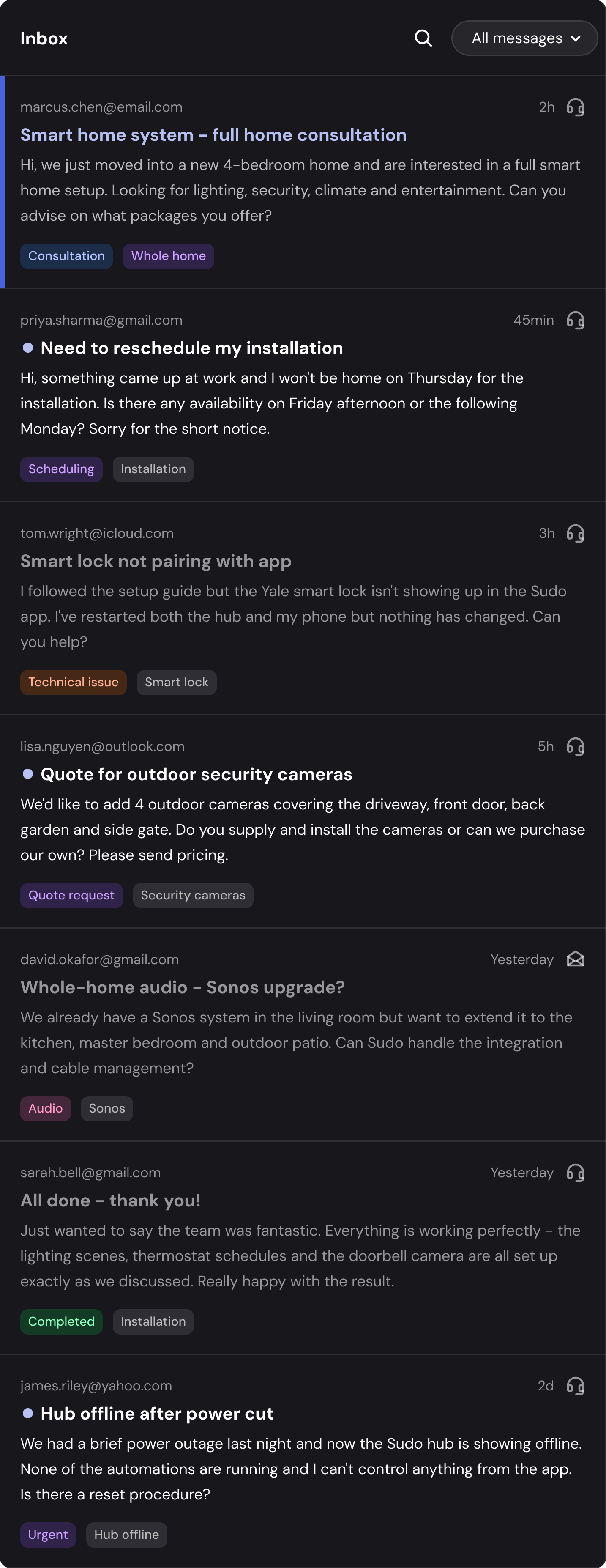
Kindness has its own email client rather than a plugin for someone else's. A business links its Gmail at signup, so every request lands in one queue. Each thread opens with a generated summary, and agents comment, assign, and pass context without leaving it. Message types are colour coded, and every row carries a generated title and tags for type and effort.
Doing the setup work for them
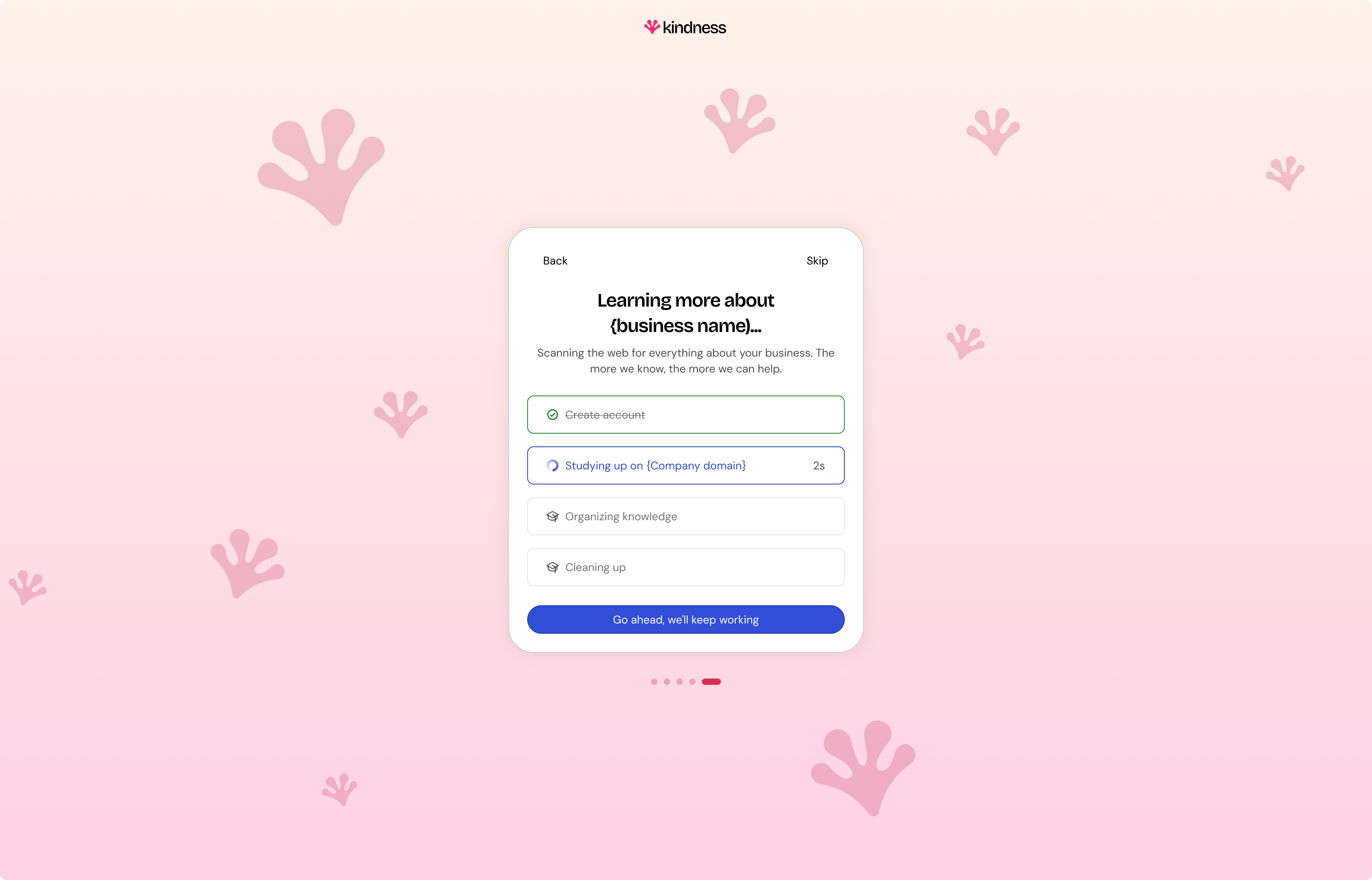
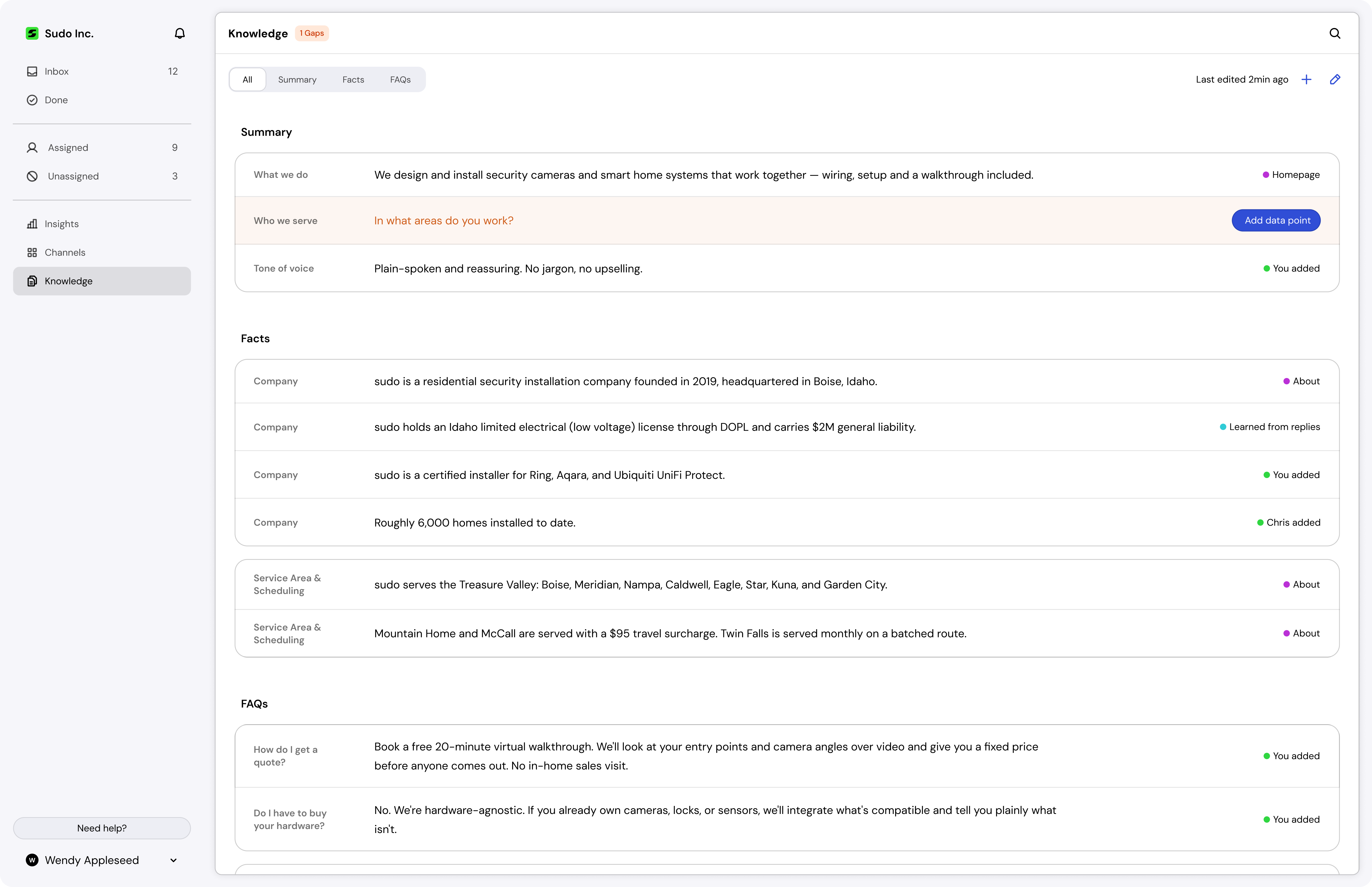
The first version asked businesses to upload their own documents, and it tested badly: too much work before any value. Version two removes the ask. We take the domain from signup, and a custom built engine scrapes FAQs, manuals, and product pages into a knowledge page for the business to check. Connecting email teaches the agent tone of voice, so it can answer customers from the first minute.
Showing owners what the agent handled
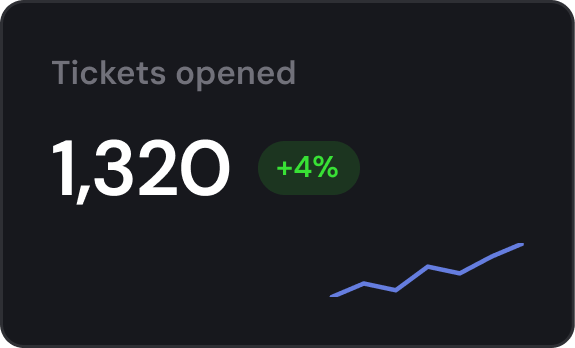
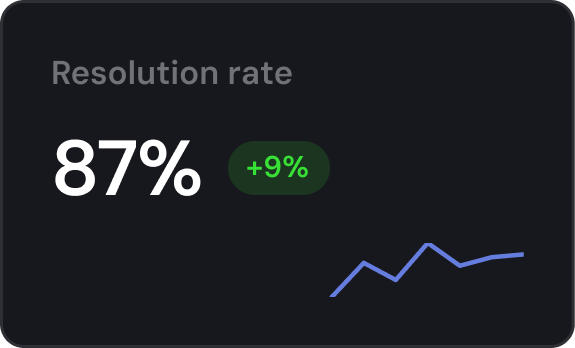
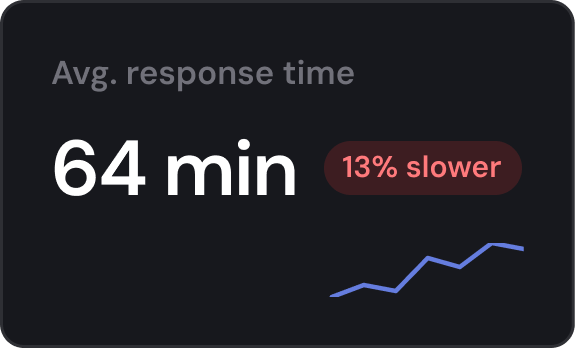
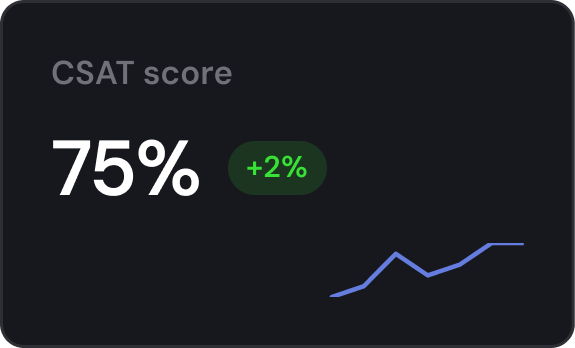
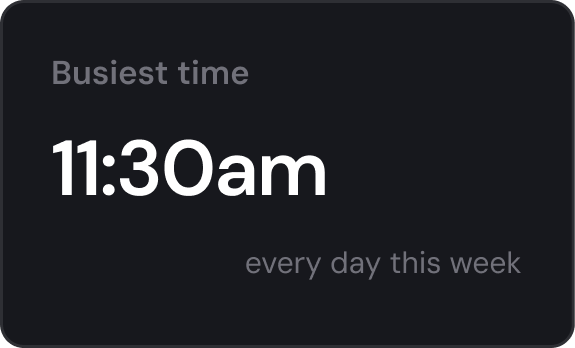
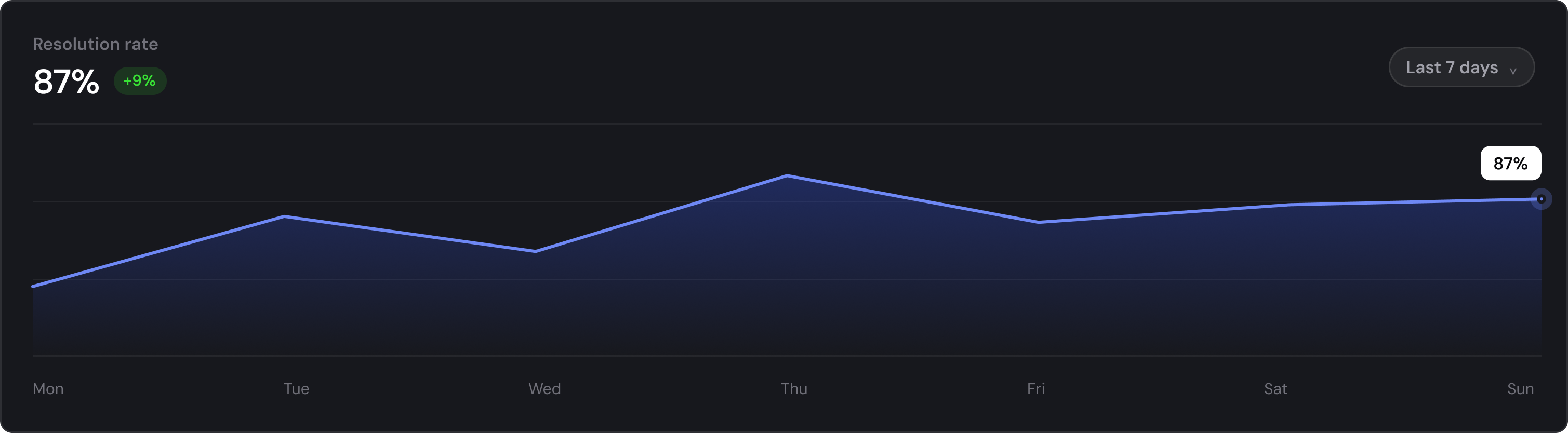
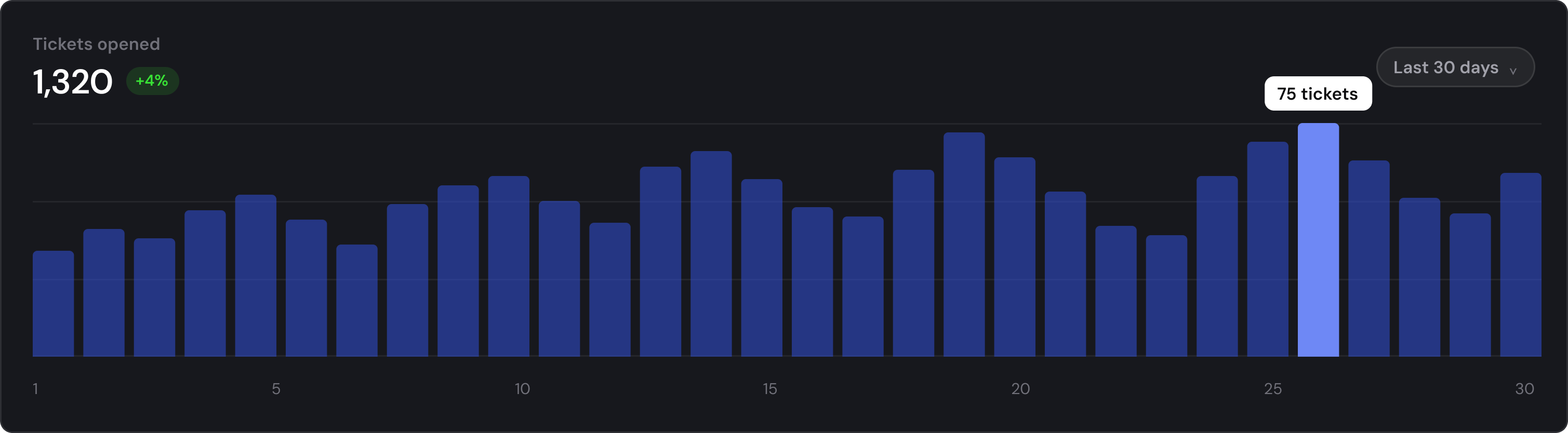
Insights gives owners a view of what's happening to their support: what the agent resolved on its own, what it handed to the team, and where its knowledge fell short. It's how a business learns what to add to the knowledge page next, without reading every thread.
A settings kit, not a set of screens
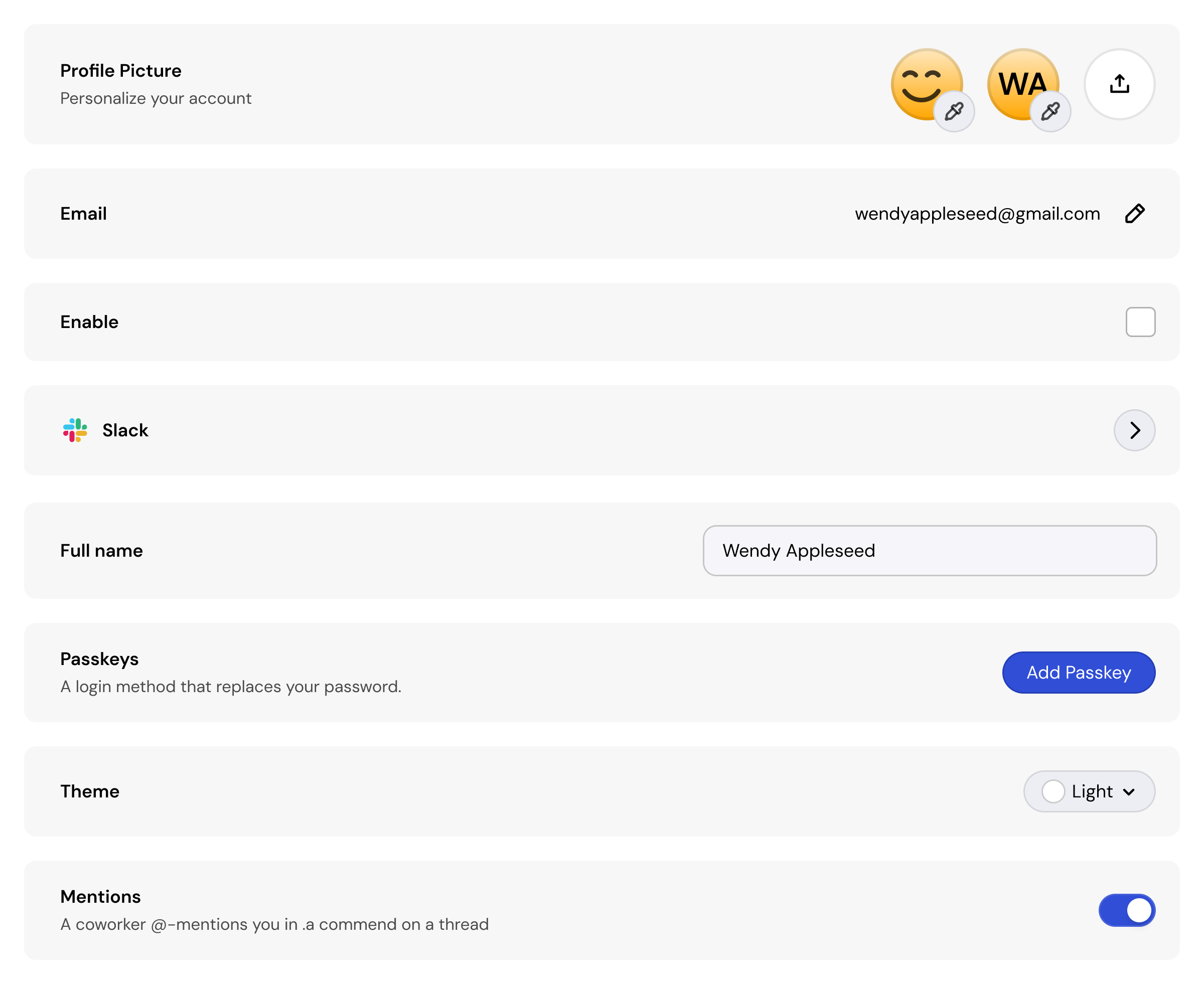
Settings was built as a kit rather than a set of screens: one row per setting, a small set of row types (text input, read only, switch, open page, dropdown, and later accordion), and page templates the rows drop into. Engineers assemble new pages without design input, so features ship without waiting on me, and dark mode fell out of the tokens we'd already defined.
Refining with the businesses that would use it
We put each version in front of seven businesses on remote calls, then selected five for the private beta, capped there on purpose so every piece of feedback could be acted on. Nearly all of it came back to effort and discoverability: setup they didn't want to do and options they never found.
- Rebuilt onboarding after customers called uploading their own documents "a lot of work", replacing it with a scraper that gathers everything for them.
- Moved the reply box from a dropdown to tabs, so every mode is visible without being opened.
- Colour coded comments, agent replies, and incoming messages, so the type of a message reads before its content.
- Added type and effort tags and a generated title to every row, so the queue can be scanned without opening anything.
- Added an accordion row to the settings kit after passkeys outgrew the open page pattern it was built with.
Where it stands
Kindness hasn't launched, so there's nothing to measure yet.
- Five of seven businesses interviewed became private beta customers, two to nine seats each
- Onboarding rebuilt after v1 tested badly, replacing user effort with a scraper and a custom ingestion engine
- Engineers ship settings and theming without new design work, dark mode came free
- Front Desk, inbox, onboarding, insights, and settings shipped on one system, by one designer and four engineers
Effortless for the owner, personal for their customer. Every decision was measured against that.